
- From the main menu of your banking portal, go to Services.
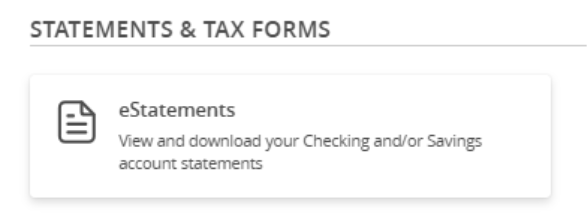
- Scroll down to Statements & Tax Forms.
- Click on the eStatement Enrollment tile to opt in to eStatements.
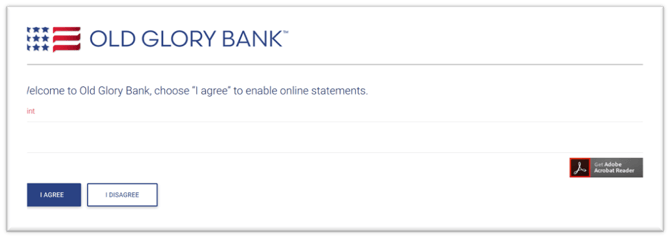
- Choose I AGREE to enable online statements:
- View and download your statements from the eStatements tile:
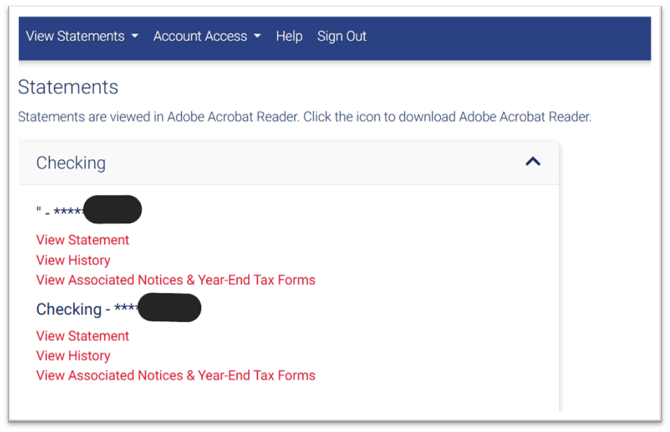
- View Statement - current available statement
- View History - past statements
- View Associated Notices & Year-End Tax Forms - INT-1099's and other notices
Note: Old Glory Bank charges $10.00 per account for bank statements received via U.S. mail
.