
Log in to online banking through our desktop or mobile app, and locate the OG Pay block on the homepage.
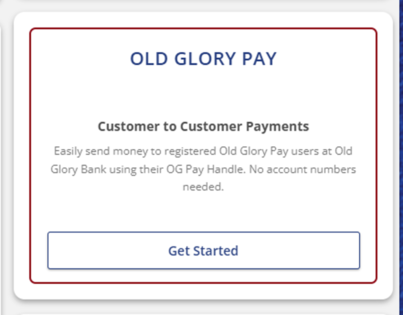
Click "Get Started."
Choose your handle.
Your handle is how you and other Old Glory Pay users will be identified for payments. (This was referred to as your Nickname in the legacy version of Old Glory Pay.)
A handle must:
- Be between 5 and 20 characters long.
- Be unique. Two users cannot have the same handle.
- Only contain letters, numbers, underscores, and periods.
- End with a letter or number. Cannot end with an underscore or a period.
Select your Receiving Account for where you’d like to receive payments. Only checking account types can be used with Old Glory Pay.
Read and accept the Old Glory Bank Terms & Conditions, which include the OG Pay Terms & Conditions, to complete registration.