
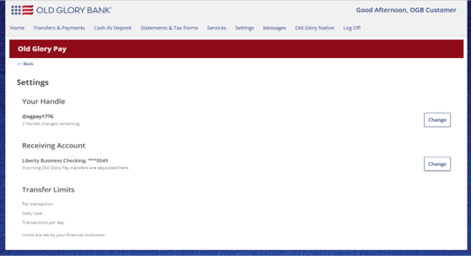
Old Glory Pay transaction limits can be viewed on the Old Glory Pay Settings page inside online banking.
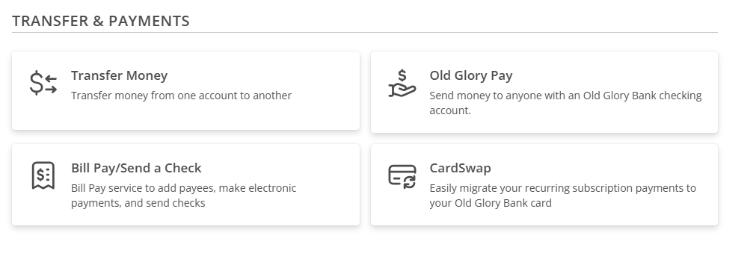
- From the main menu, select the Transfers & Payments
- Click the Old Glory Pay tile under Send Money.
-
Next, click Settings in the top-right corner.

- Your Old Glory Pay limits are outlined near the bottom of the page.
- The following limits are listed:
Is there a maximum number of OGPay payments I can make in one day?
Yes, the maximum number of transactions you can send in one day is listed on your Old Glory Pay settings page. This number should far exceed the number of transactions you’d likely make in one day. However, if you encounter an issue with the number of transactions you are allowed to make in a day, please reach out to our Customer Service team by phone at 888-446-5345 Monday-Saturday 8-8 CT about a limit increase.Can I send more money than my available account balance?
No. You can only send funds that are currently available in your account. Your available account balance reflects the amount of money you can use for transactions, including sending funds. If the amount you want to send exceeds your available balance, the transaction cannot be completed.